

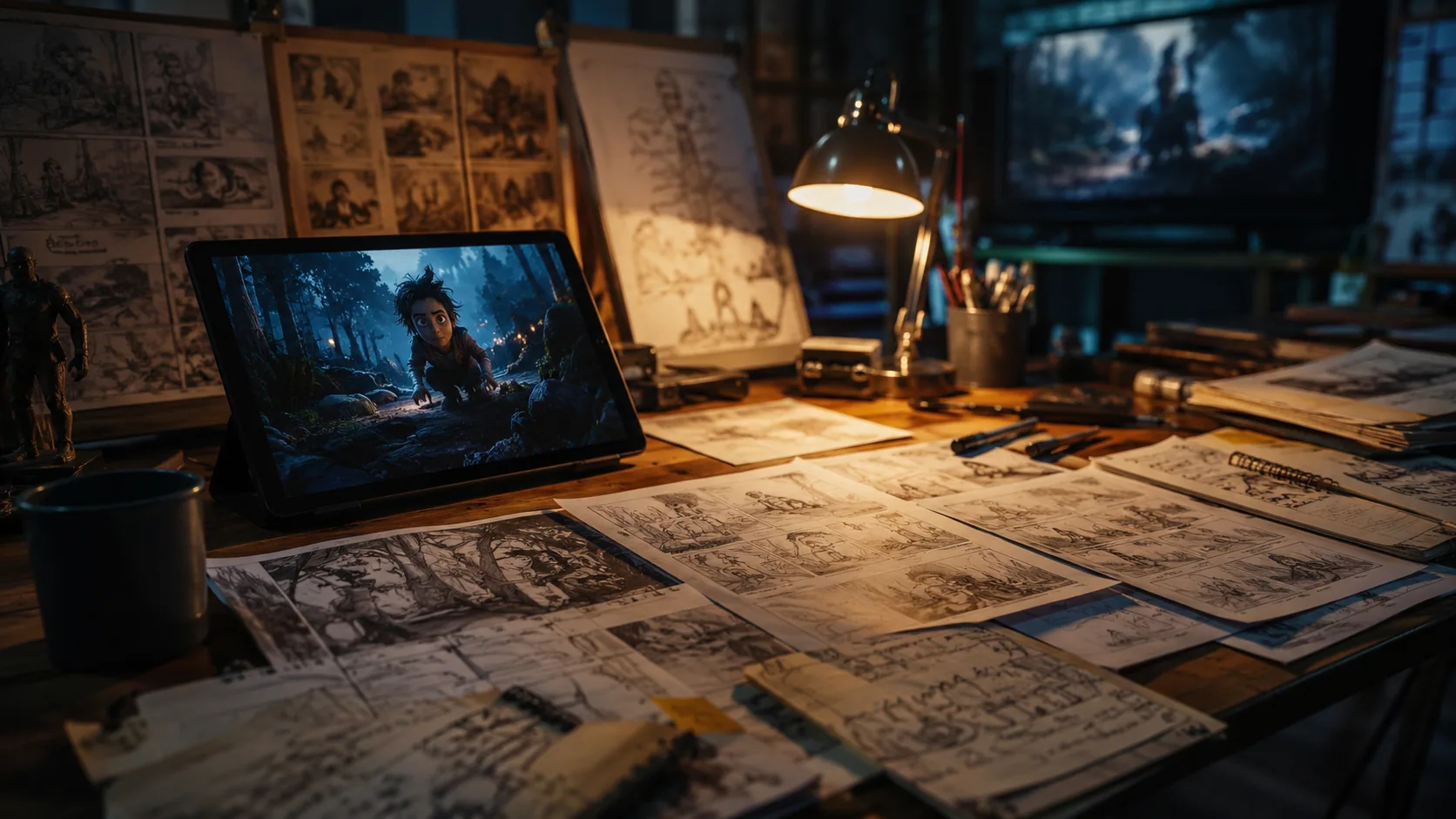
Fast storyboarding & iteration
No long real-world shoots — turn storyboards and concept art into live motion previews in seconds, compressing pre-production communication.
Gemini Omni is Google's multimodal video model for creating, editing, and remixing — start from text, a photo, or references, or change an existing clip with one instruction.
Gemini Omni doesn't lock you into one input type. A product clip, a portrait photo, a written idea — each can stand alone, or come together in one generation. The model reads them as a single brief: the video supplies the product, the photo supplies the person, and the output is one complete UGC ad.
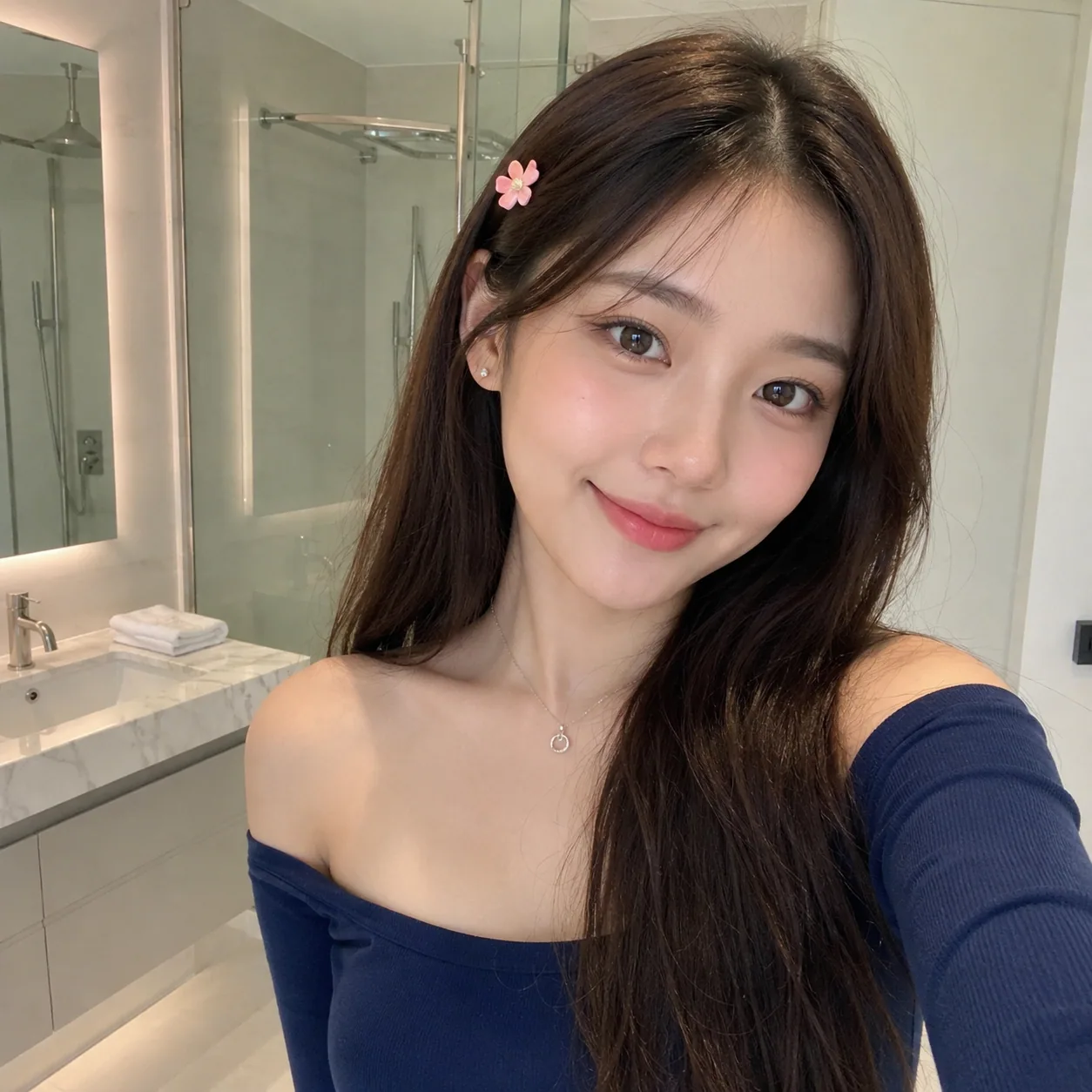
A natural-style UGC skincare ad: the woman in the reference photo (her face, long dark brown hair, pink flower hair clip, deep blue off-shoulder top, and thin necklace stay exactly as in the photo) stands in a bathroom. She holds the green moisturizer jar from the reference video up to the camera, opens it, applies the cream to her face and massages it in — a visible before-and-after: from textured bare skin to smoother, softer, glowing skin. Natural light, handheld feel, authentic UGC style.
Combine the people, objects, and scenes from different images into a single frame — key visual features stay intact while the video flows naturally.
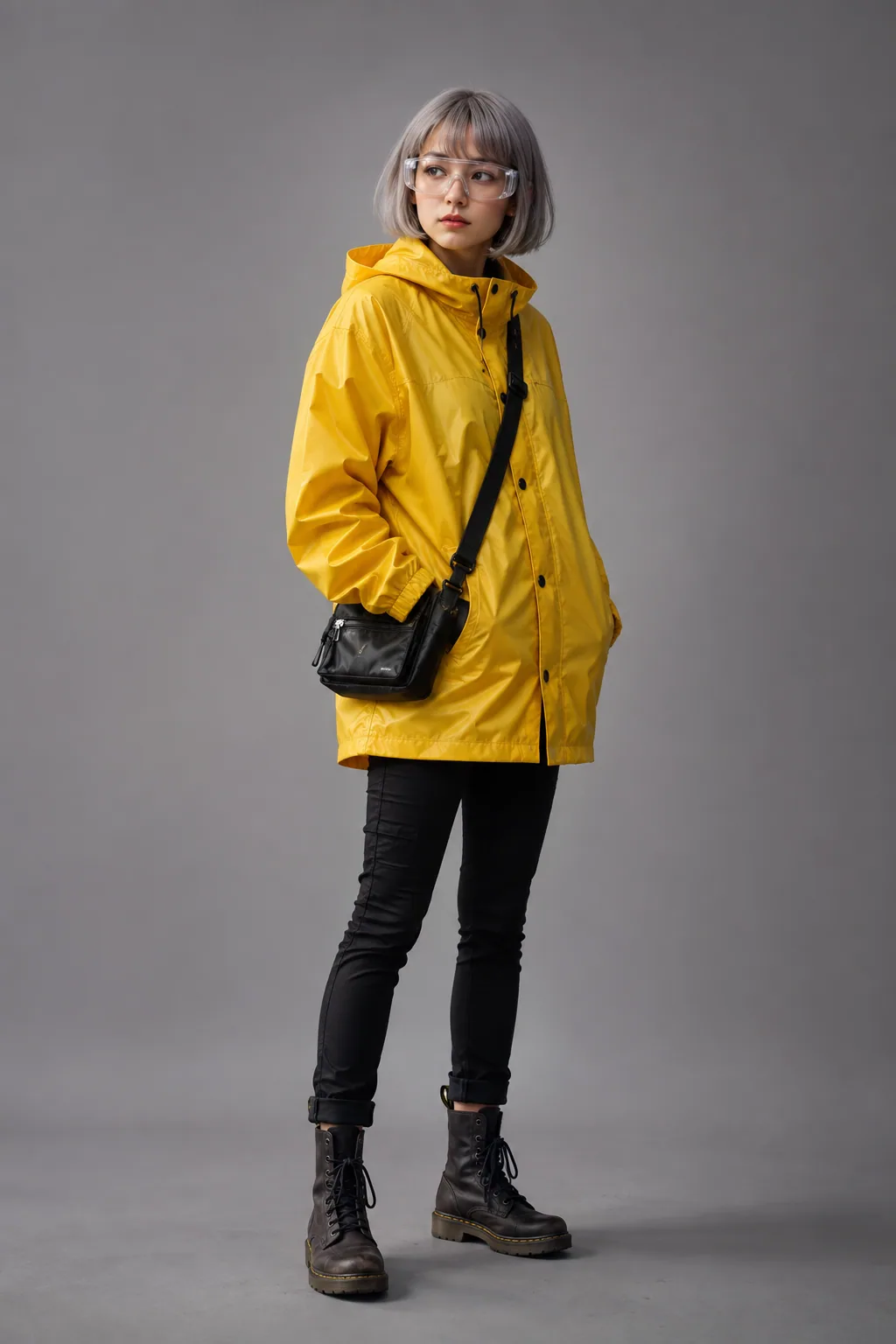
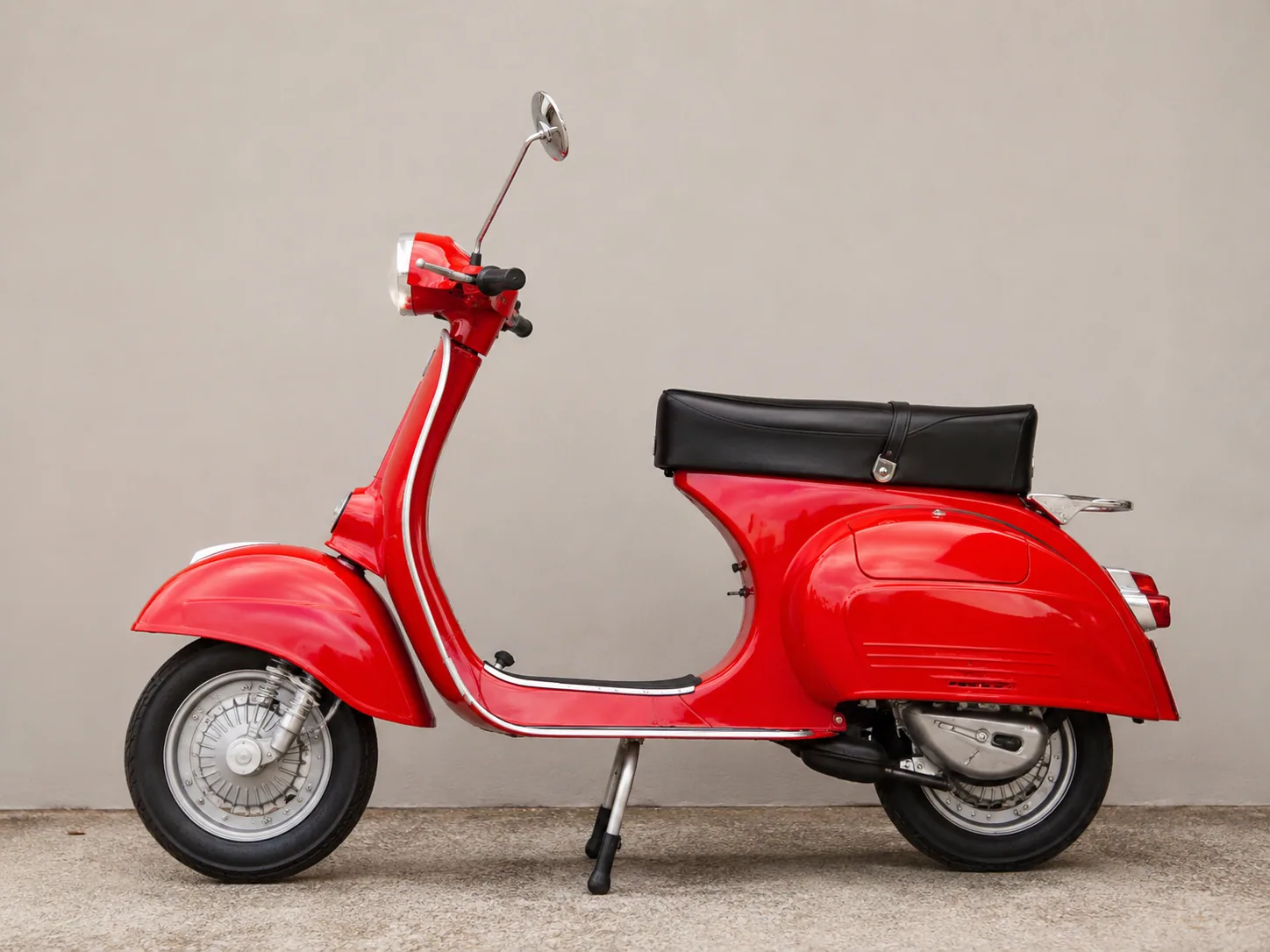
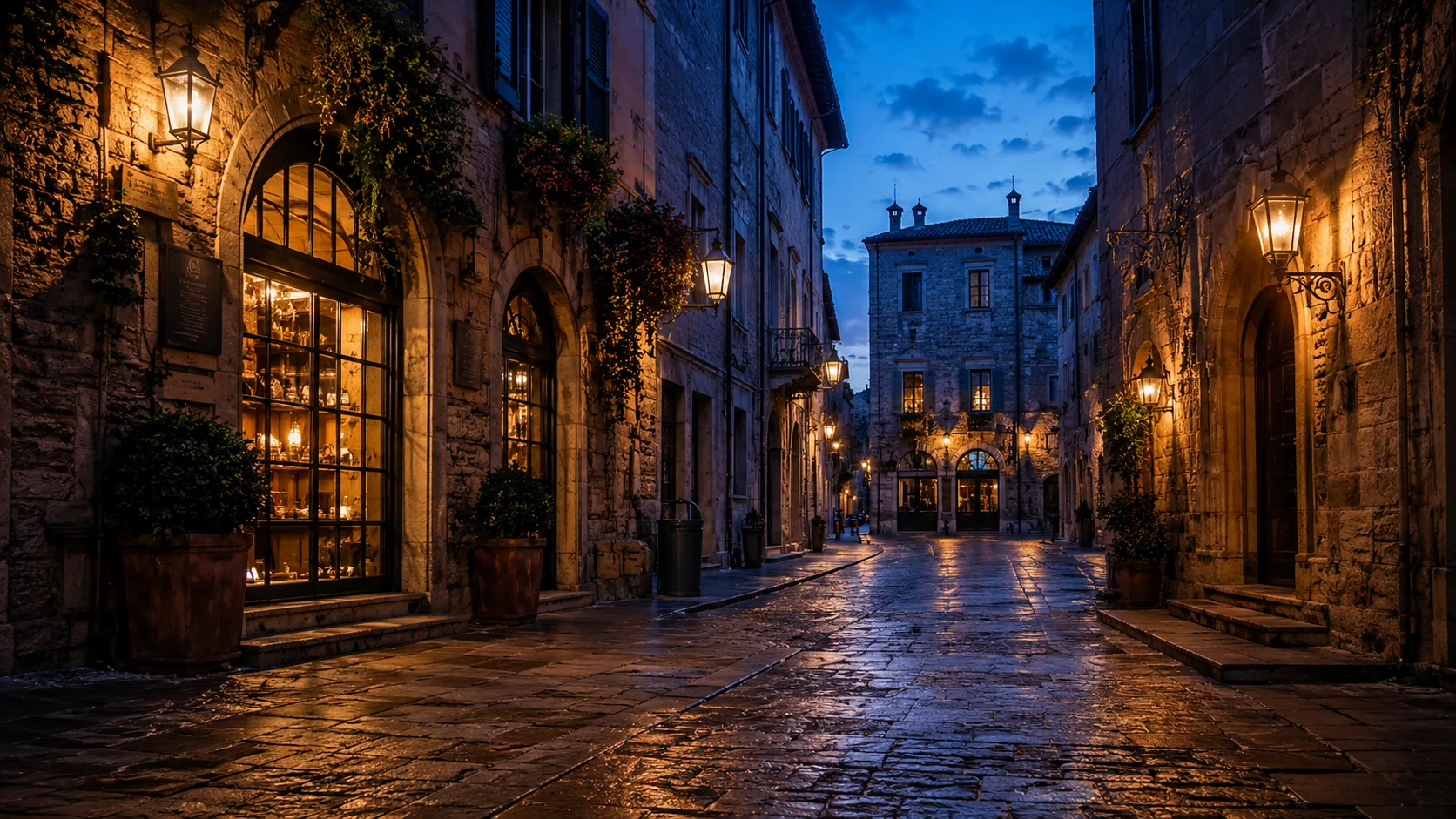
Combine the character, vehicle, and street scene from the reference images into a single frame — keep their key visual features and generate a natural, coherent video.
Edit an existing video with one written instruction — change the scene, the look, or a detail while the original motion and camera path stay intact.
Remix multiple existing clips into a brand-new video — the subjects and motion stay, while the scenes and narrative are rebuilt.
A natural-style UGC skincare ad in three acts: first, the girl walks along the beach as in the original clip; second, she stops, holds the green moisturizer jar up to the camera, opens it, applies the cream and massages it in — skin becomes smoother, softer, glowing; third, the jar appears alone at a new angle in natural seaside light for an elegant close. Handheld feel, authentic UGC style.
Prompt used: A cinematic historical scene: Leonardo da Vinci in his Florence workshop in the early 1500s, a middle-aged man with a long beard wearing Renaissance-era clothing, working at a wooden drafting table covered with detailed sketches: a flying machine with wings, anatomical drawings of a human arm, mechanical gears. Paintings on easels nearby, warm candlelight mixed with window light, period-accurate workshop tools, manuscripts and books on shelves. Focused creative atmosphere, photorealistic period drama cinematography.
Draws on world knowledge to render factually accurate scenes — history, biography, and science, correct down to the details.
One prompt produces several camera angles — wide, side, and overhead — with the subject and scene staying consistent across all of them.
Prompt used: A woman in a red dress stands on a coastal cliff. First a wide frontal shot, then a medium side profile, then a high aerial shot. Keep her consistent across all angles.
Prompt used: A quiet coastal harbor at sunrise. Natural ambient sound: gentle waves, distant seagull calls, creaking ropes.
Audio is generated in the same pass as the video, in sync with what's on screen — waves, wind, footsteps, voices. No post-syncing needed.
A portrait becomes a talking digital avatar — the face keeps its identity while the mouth moves in sync with the words.

Prompt used: The woman in the photo speaks to the camera. Keep her face, hairstyle, and sweater exactly as in the photo. Natural lip-sync with the speech.
Break free from the time and budget limits of traditional production. Every shot lands exactly where you want it.
No long real-world shoots — turn storyboards and concept art into live motion previews in seconds, compressing pre-production communication.
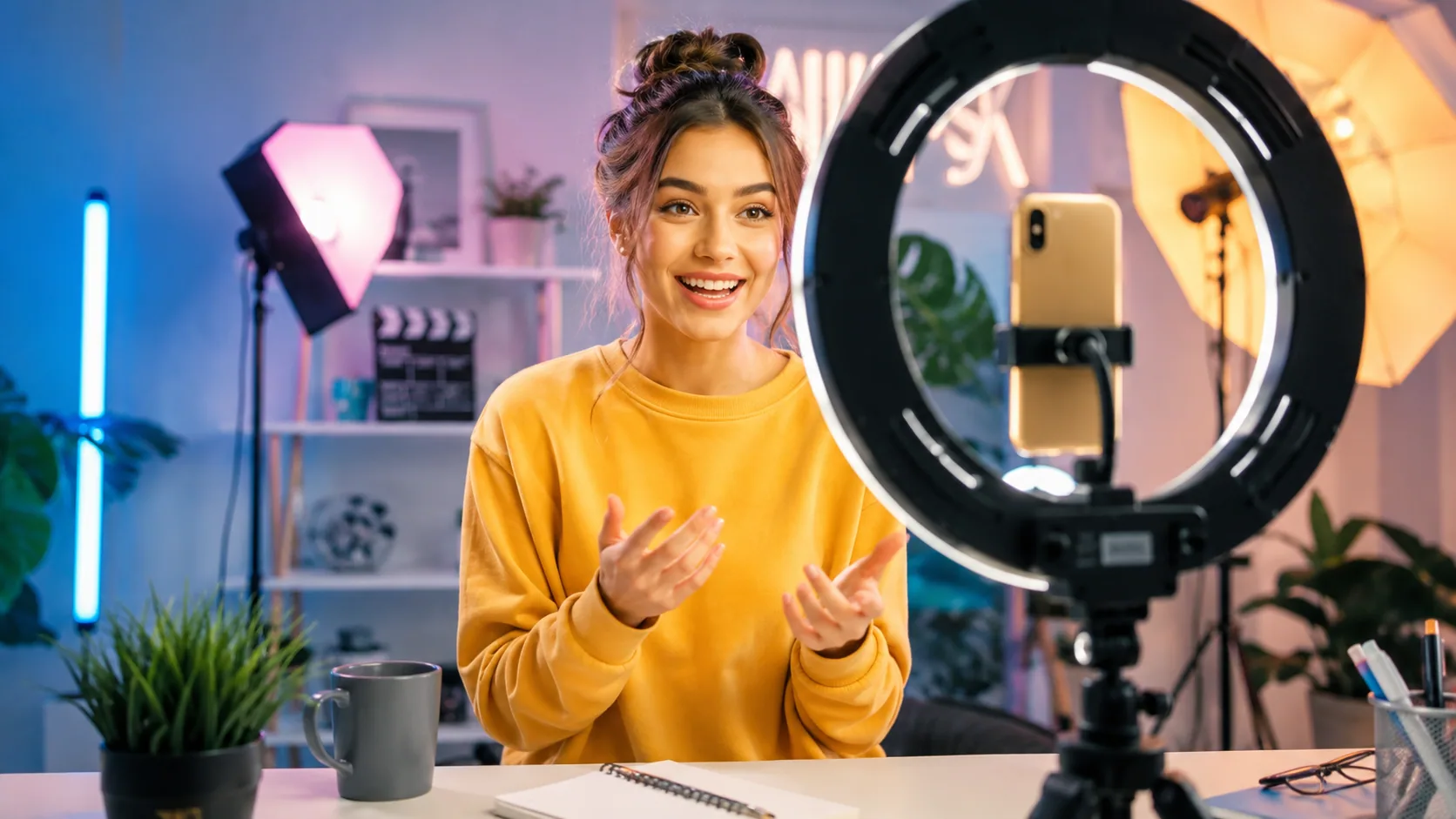
Keep character consistency effortlessly, and produce fast-cut, high-impact viral videos for social platforms.
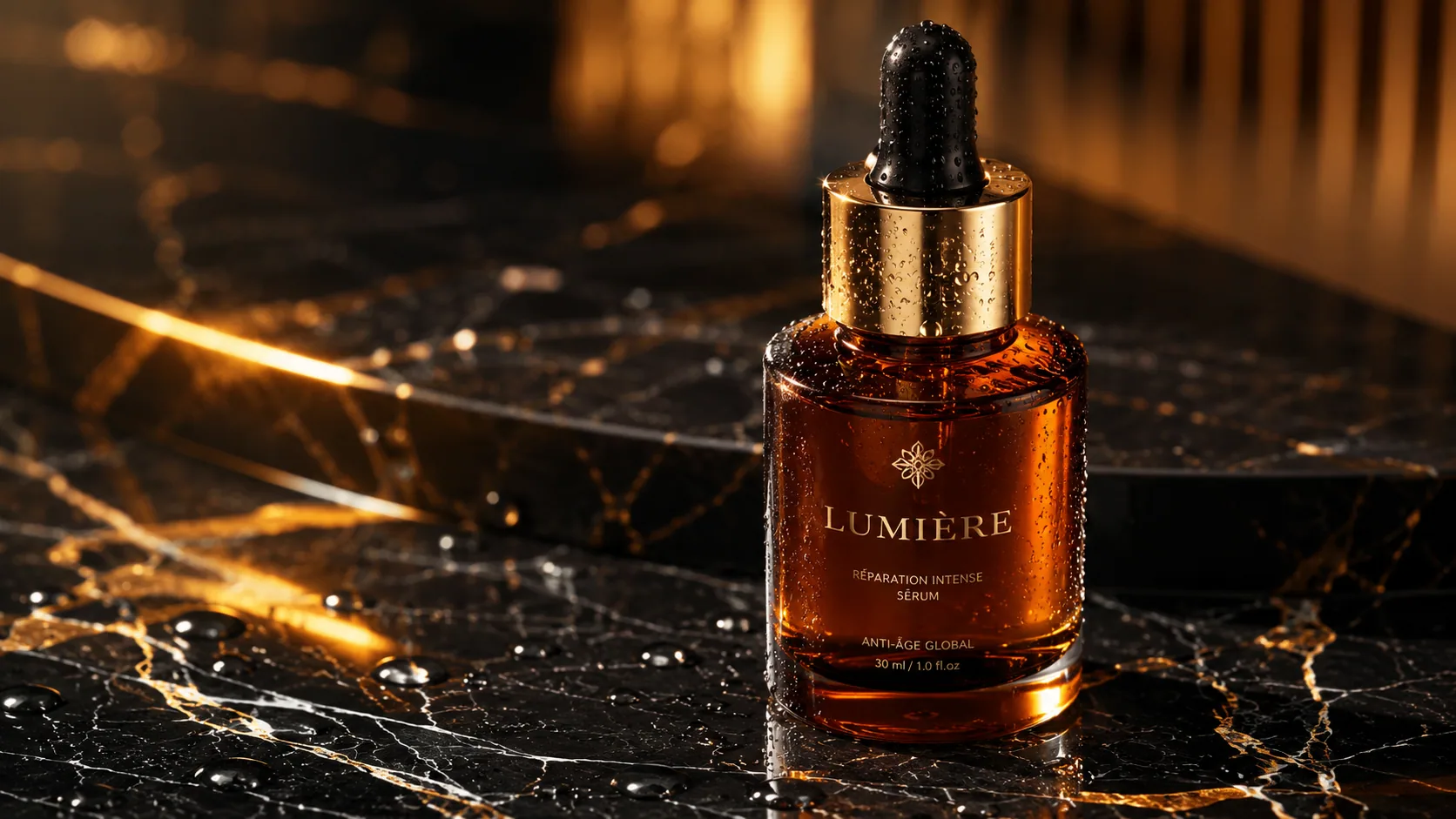
Create high-quality product shots and commercial footage with zero learning curve — lighting and complex camera moves at low cost.
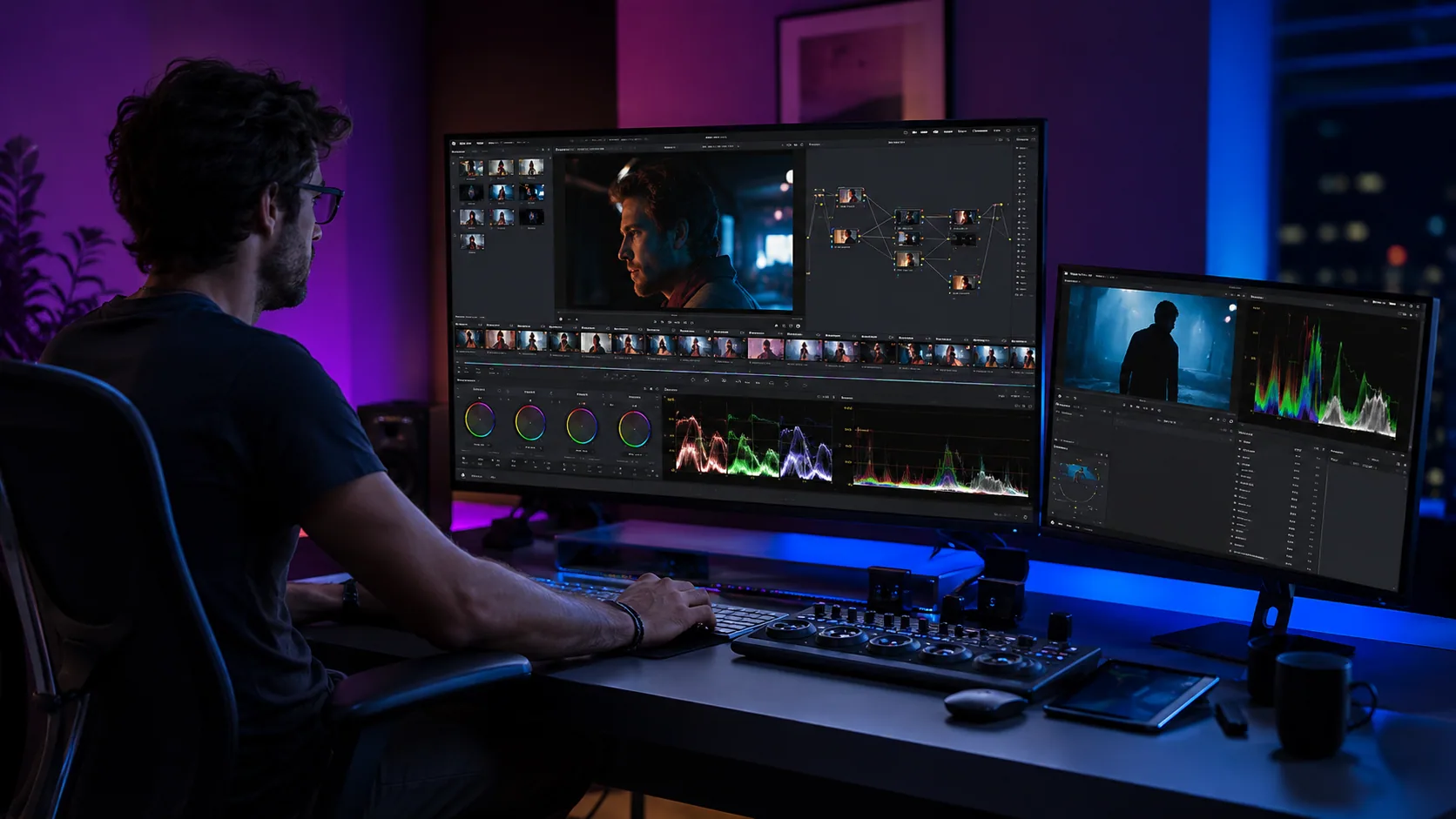
No more full regenerations — conversational edits handle shot-level changes and scene element swaps.
From single-pass generation to native multimodal interaction — moving creation from random experiments to controllable production.
| Feature | Veo 3.1 | Gemini Omni |
|---|---|---|
| Modality input | Text, images, basic video/audio prompts | Any mix of modalities — text, images, audio, video clips, reference library |
| Camera & movement control | Basic instruction-driven camera movement | Precise camera language — focal length, trajectories, composition, pacing |
| Multi-angle & scene consistency | Limited cross-shot scene and subject consistency | Strong global consistency — multiple angles from one prompt, stable multi-character interaction |
| Editing workflow | Regenerate the full clip to change parameters | Conversational interactive editing — incremental changes to background, wardrobe, props without restarting |
| Audio & lip-sync | Native high-quality audio and sound effects | Higher-quality audio design with precise lip-sync and multilingual dialogue |
| Best for | High-quality single shots and short clips | Production-grade end-to-end video creation and multi-round post workflows |
| Resolution & quality | Up to 4K output | Up to 4K output, with smoother frame transitions and physical consistency at high motion |
See how top YouTube creators rebuild their video production flow with Gemini Omni — from commercial ads to extreme camera-language experiments.
Not just marketing — dozens of independent creators and marketers are showing off their Gemini Omni results and the dramatic efficiency gains.
Choose the VidLux plan that fits the way you create—AI videos, images, or both.
Billed annually at $276
Billed annually at $408
Billed annually at $924
Top-tier audio-visual sync, multi-angle composition, and deep interactive editing — on VidLux.
Try Gemini Omni for Free