


Social Media Creators
Turn ideas, images, and short scripts into reels, shorts, and everyday posts faster, with less time spent finding footage and rebuilding every edit.
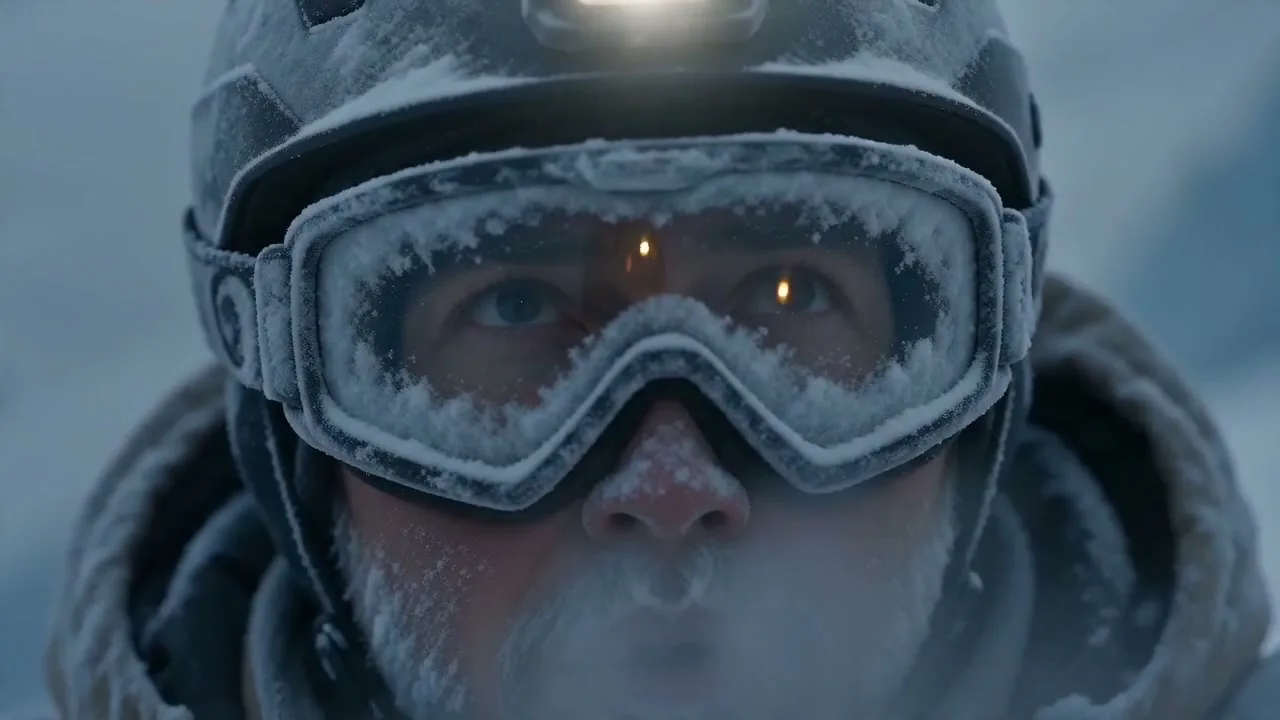
Upload an image, type a few words, or add a reference, and VidLux turns your idea into a video without complicated tools or setup.
Browse selected examples created with different models and workflows, then open any video to view the details or make your own version.
Upload an image, add a few words about the movement you want, and VidLux brings it to life with natural motion and camera changes without filming or starting from scratch.
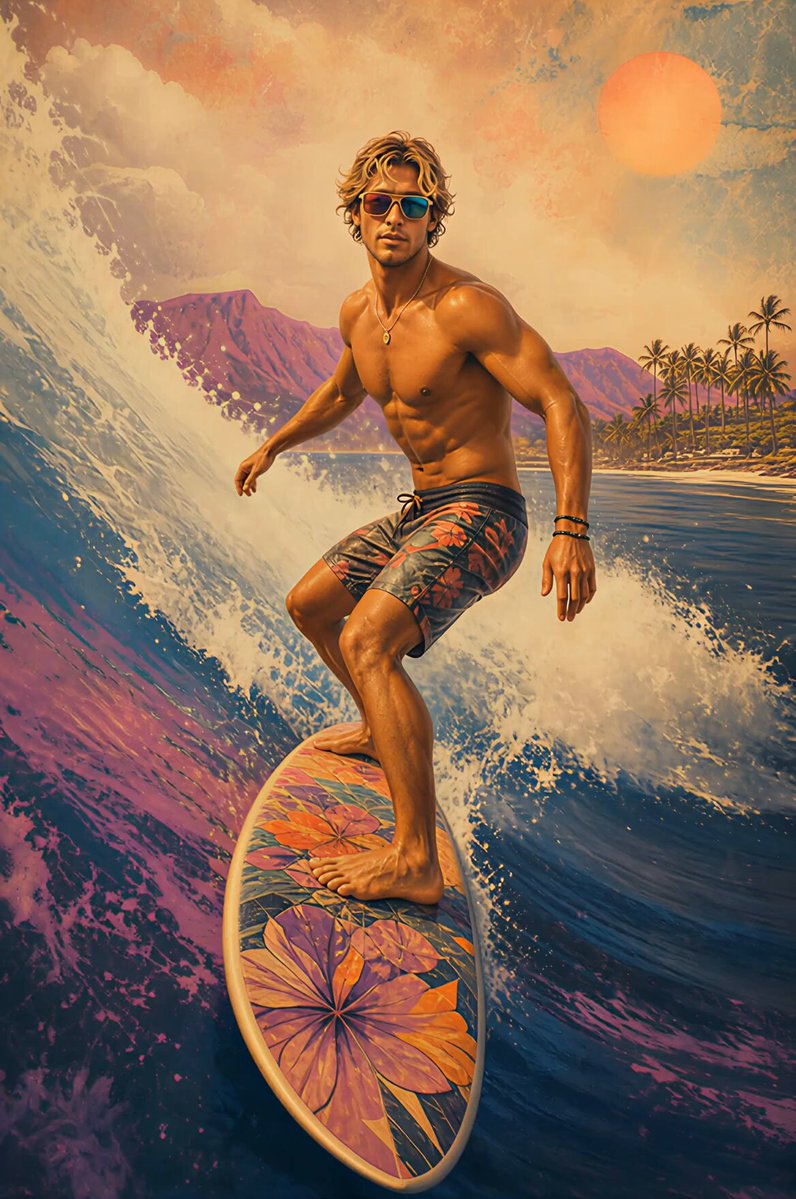
Upload a starting frame and an ending frame, and VidLux creates the motion between them so your video flows naturally from one scene to the next.
Write down the scene, action, or mood you have in mind, and VidLux turns it into a video without filming or building everything from scratch.
Add character, scene, style, motion, or audio references, and VidLux uses them to shape the result so the final video stays closer to what you have in mind.
Upload a video and choose a style, and VidLux gives it a completely new look while keeping the original motion and timing.
Upload a character image and a reference video, and VidLux applies the movement to your character while keeping its original look recognizable.
From social content and product campaigns to animation concepts and film previsualization, VidLux helps turn existing ideas and assets into videos ready to post, test, or develop further.
Turn ideas, images, and short scripts into reels, shorts, and everyday posts faster, with less time spent finding footage and rebuilding every edit.
Create campaign concepts, ad variations, launch videos, and client previews before committing more time and budget to full production.
Turn existing product images into showcase videos, launch content, lifestyle scenes, and promotional clips without arranging a new shoot for every update.
Animate still assets, fill missing shots, create transitions, and test different visual treatments without rebuilding the entire project from scratch.
Use character art, motion references, and environment concepts to preview movement, pacing, and visual style before moving into full production.
Turn scripts, storyboards, and camera ideas into moving previsualizations that make pacing, shot direction, and visual tone easier to review before filming.
From testing early ideas to filling missing shots and creating new variations, VidLux helps everyday video work move faster without starting over.
I usually start with a photo and a loose idea. VidLux gives me a few workable directions quickly, so I know what is worth taking into a full edit.
Moodboards are easier to explain when they move. Turning campaign images into short concept videos has made internal reviews much faster.
We already have hundreds of product photos. Turning them into launch clips and sale videos means we do not need another shoot for every campaign.
The biggest win for me is filling small gaps. If an edit needs one extra shot or a smoother transition, I can build a usable option from stills or keyframes.
I use the same campaign assets across TikTok, Instagram, and paid social. VidLux creates enough variation that each channel still feels native.
A moving storyboard gets everyone on the same page faster than a deck. We can discuss pacing, camera direction, and mood before the shoot starts.
I test hooks and product moments before I film. That saves me from recording five versions just to find out which opening works.
Clients make decisions faster when they can react to an actual video. Even a rough concept is more useful than another slide full of references.
For launches, I try different backgrounds, camera moves, and visual styles with the same product image. It helps us narrow the campaign direction early.
Motion Control is great for early character tests. We can check a walk, turn, or pose before the animation team commits to the full sequence.
Reference inputs help keep the character and style recognizable. I still compare a few versions, but they start much closer to the direction I want.
I often need extra visual beats for intros, transitions, and Shorts. Using thumbnails, stills, and script ideas is much faster than building every shot from zero.
Quick answers about creating videos, choosing models, credits, watermarks, commercial use, and subscriptions.
Upload an image, write a few words, or add a reference, and VidLux turns your idea into a video.
Start Creating Free