
GPT Image 2
Precise editsBest when the source image needs to stay recognisable. Direct changes to style, composition, lighting, and fine details while keeping the result cohesive.
Upload a photo, describe the change, and create a new image while keeping the composition you want.
Sign in to generate · Starter credits for new accounts · No watermark
Choose the model that fits your workflow: preserve an existing image precisely, build richer consistency from references, or explore several new directions quickly.
Best when the source image needs to stay recognisable. Direct changes to style, composition, lighting, and fine details while keeping the result cohesive.

Use it for reference-led transformations that need richer material, texture, and visual continuity. A strong fit for polished product images and considered creative work.
Move quickly from one source image to fresh variations. Ideal for testing concepts, trying art directions, and iterating before you settle on a final look.
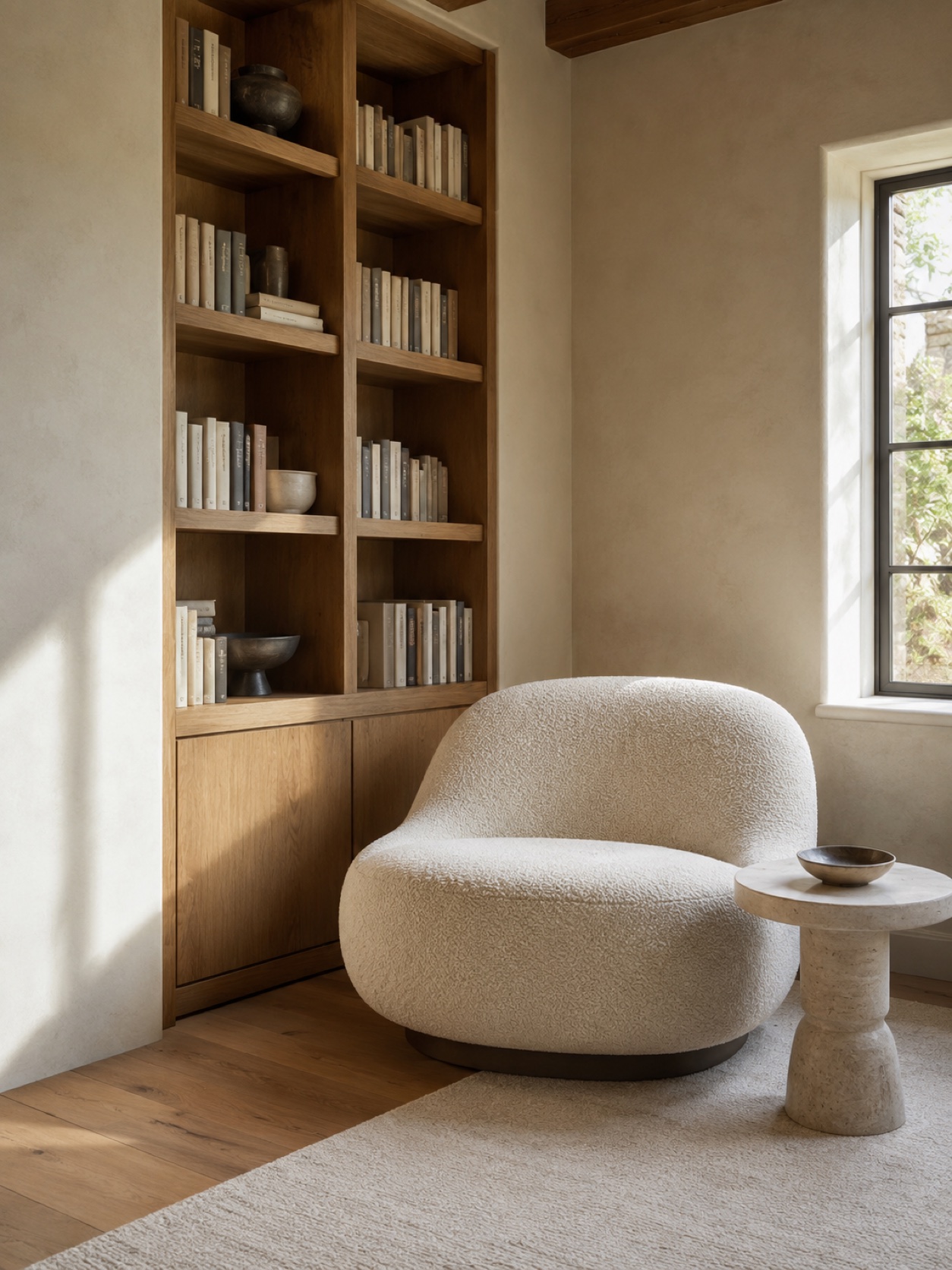 Source image
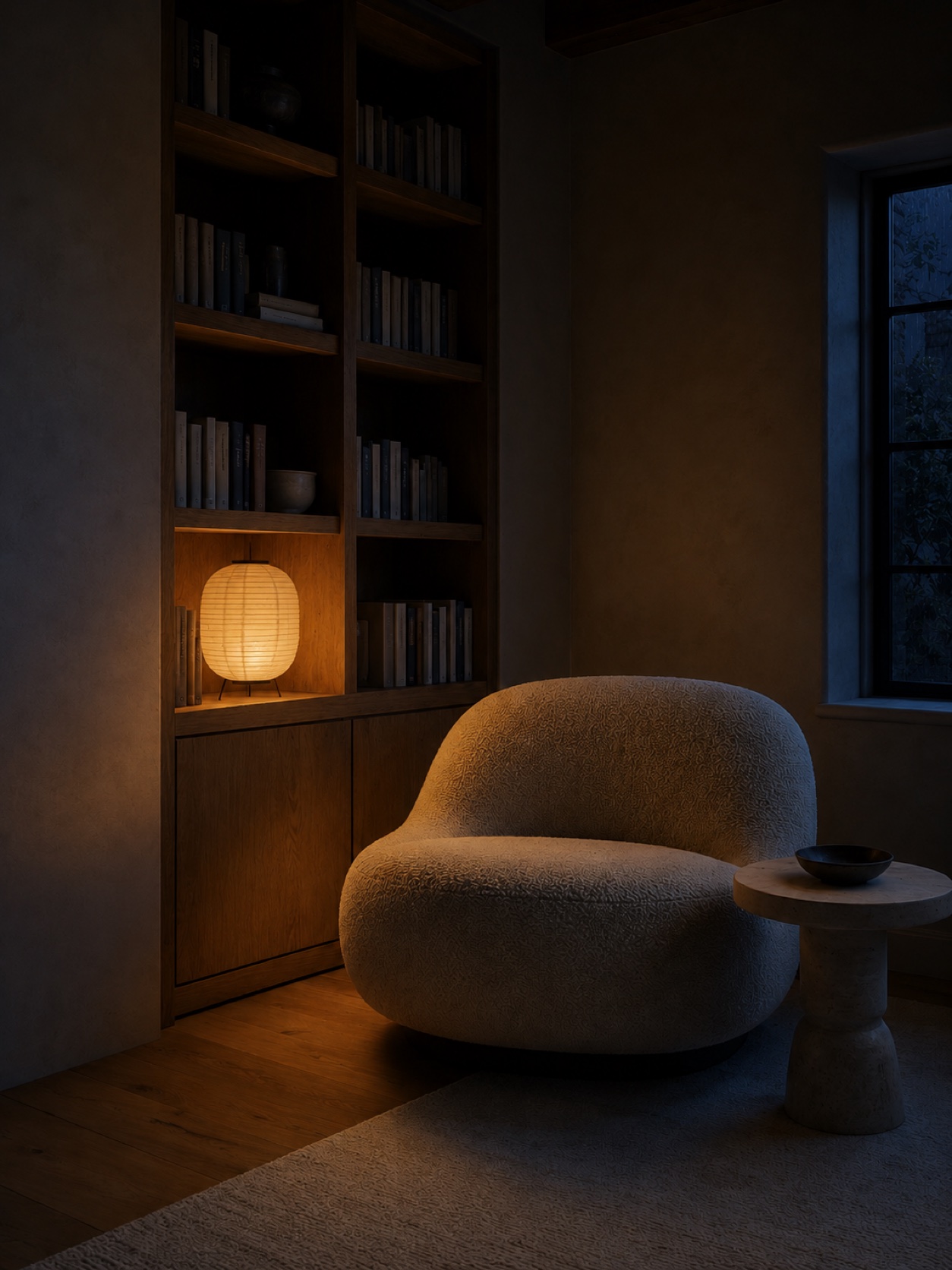 New variation
Start from a visual you already have. Upload one or more reference images, say what should stay, then redirect the scene, style, lighting, materials, and small details without rebuilding the whole composition from scratch.
Transform an imageStart with a visual you already have and use a prompt to shift its style, light, materials, and mood. Every example keeps the source on the left and the result on the right, so each change is easy to inspect.
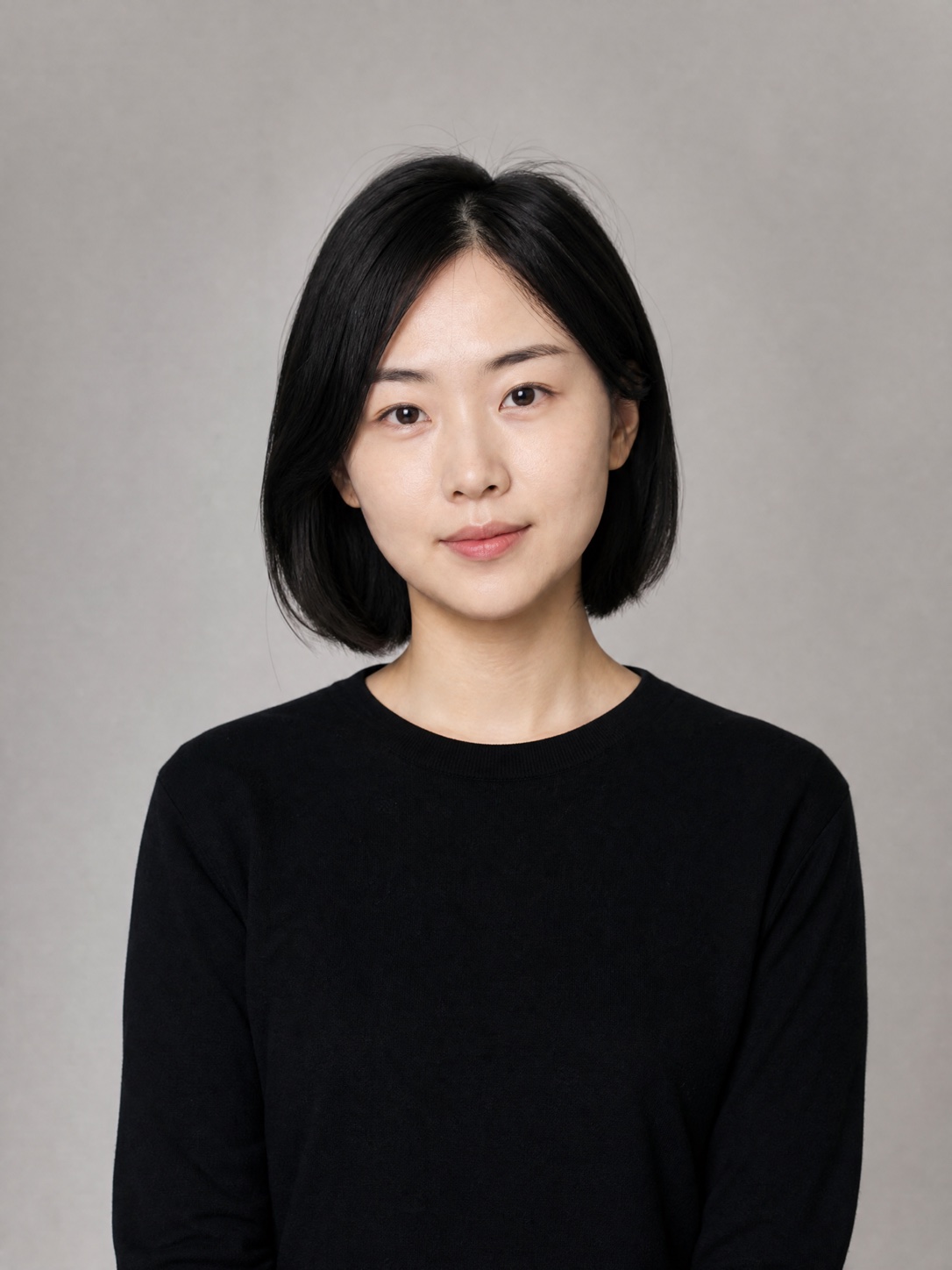 Source image
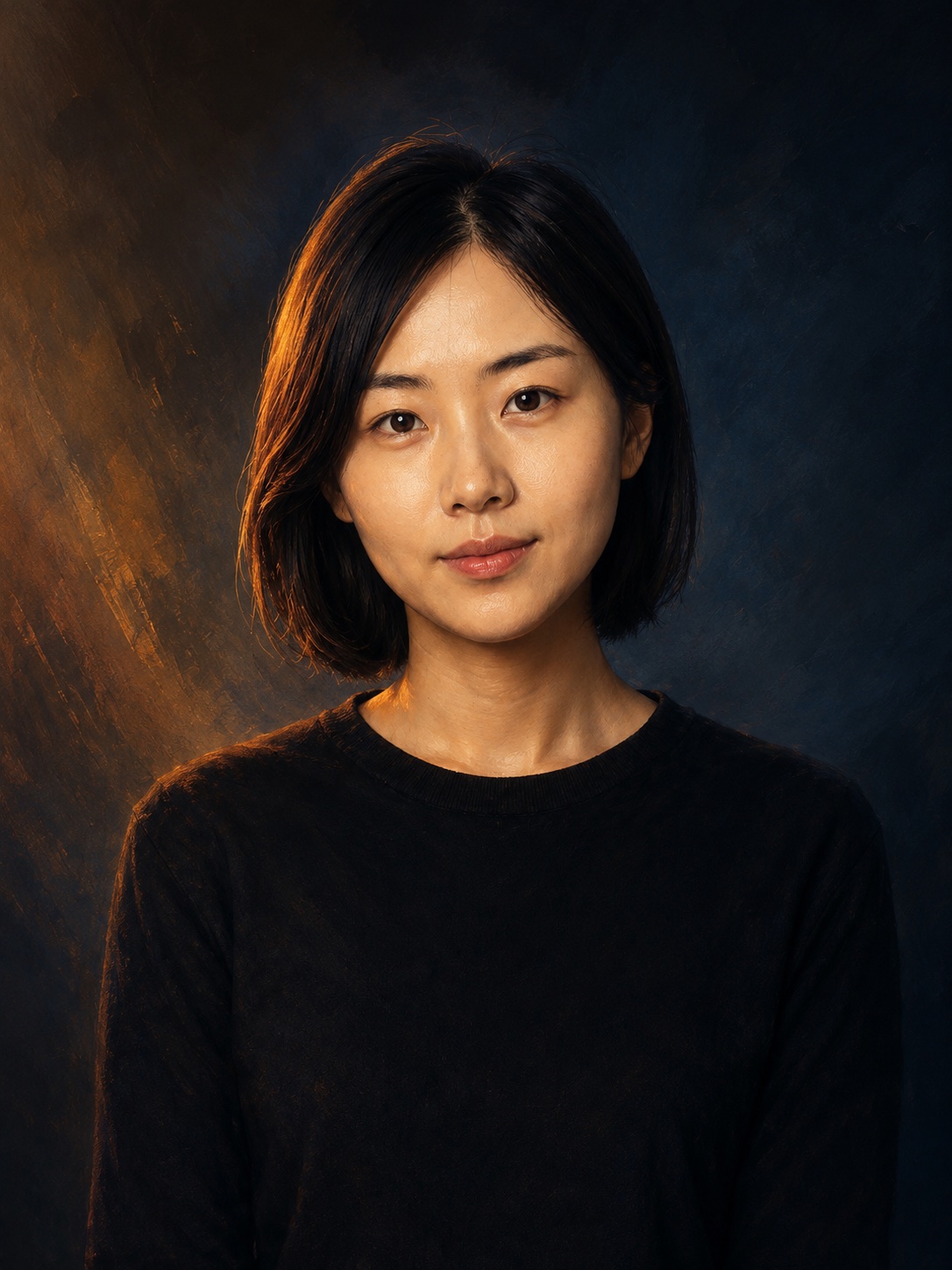 Generated result
Start from a portrait reference, then prompt for richer illustrated detail, cinematic light, and a more deliberate color palette.
Give the model a stable visual anchor, make one deliberate change, and refine the result without losing what matters.
Start with an image where the subject, composition, and important edges are easy to recognize. That gives the model a reliable visual anchor.
Name the elements that must remain recognizable, such as the subject, pose, layout, object proportions, and camera angle. This keeps the structure on track.
Make one deliberate change first, such as the lighting, background, season, material, or art style. Fewer simultaneous changes are easier to control.
Use the strongest output as your next source. Adjust light strength, texture, or contrast in small passes rather than restarting the whole image.
Start with an image where the subject, composition, and important edges are easy to recognize. That gives the model a reliable visual anchor.
Name the elements that must remain recognizable, such as the subject, pose, layout, object proportions, and camera angle. This keeps the structure on track.
Make one deliberate change first, such as the lighting, background, season, material, or art style. Fewer simultaneous changes are easier to control.
Use the strongest output as your next source. Adjust light strength, texture, or contrast in small passes rather than restarting the whole image.
Practical answers about transforming photos, sketches, and other source images with AI.